You haven't signed in yet, you can have a better experience after signing in
*Please complete the payment within {{receiveCouponInfo.expire_at}}Previous use*
You haven't signed in yet, you can have a better experience after signing in




Activity Rules
1、Activity time:{{ info.groupon.start_at }} ~ {{ info.groupon.end_at }}。
1、Activity time:cease when sold out。
2、Validity period of the Group Buying:{{ info.groupon.expire_days * 24 }} hours。
3、Number of Group Buying:{{ info.groupon.need_count }}x。
Please Pay Attention
1、Teamwork process: Join/initiate a Group Buying and make a successful payment - Within the validity period, the number of team members meets the activity requirements - Group Buying succeeded!
2、If the number of participants cannot be met within the valid period, the group will fail, and the paid amount will be refunded in the original way.
3、The number of people required and the time of the event may vary among different products. Please pay attention to the rules of the event.
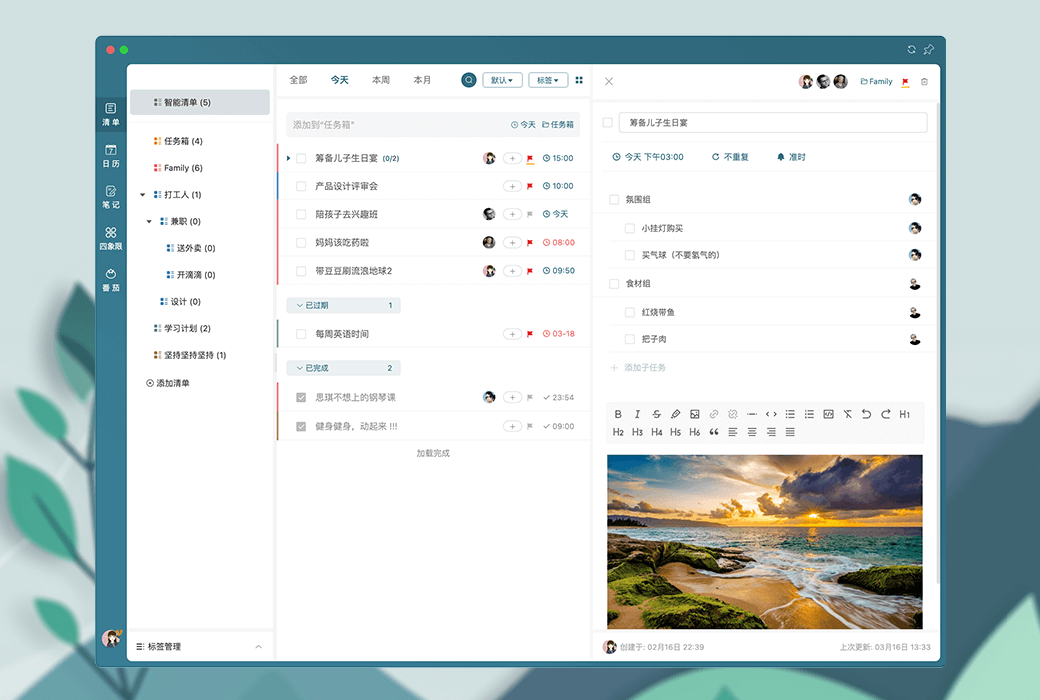
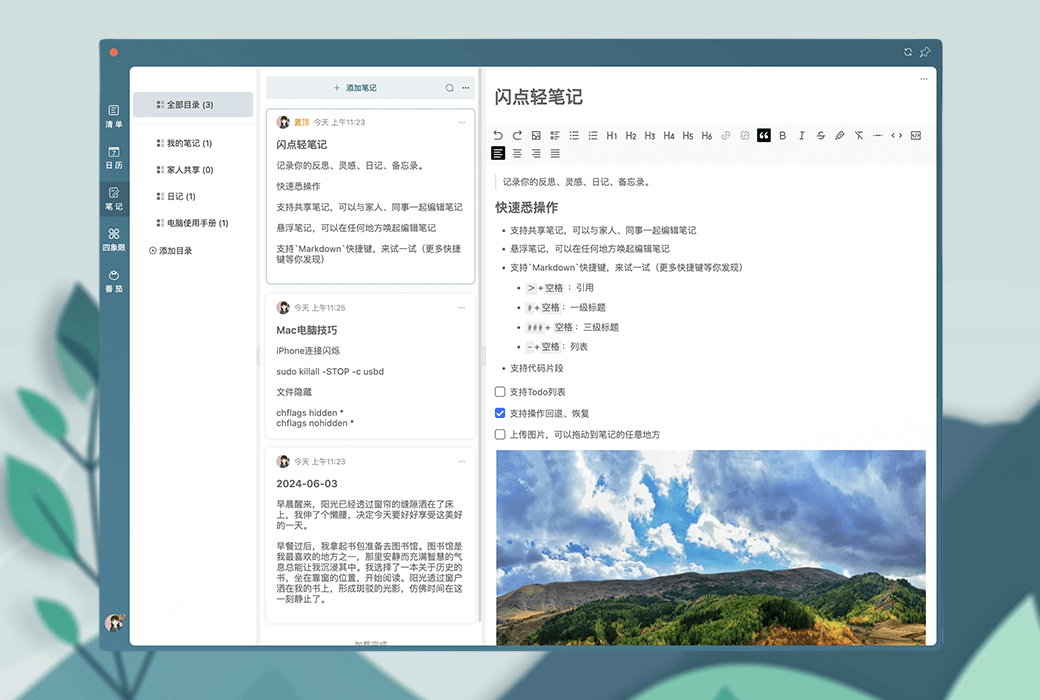
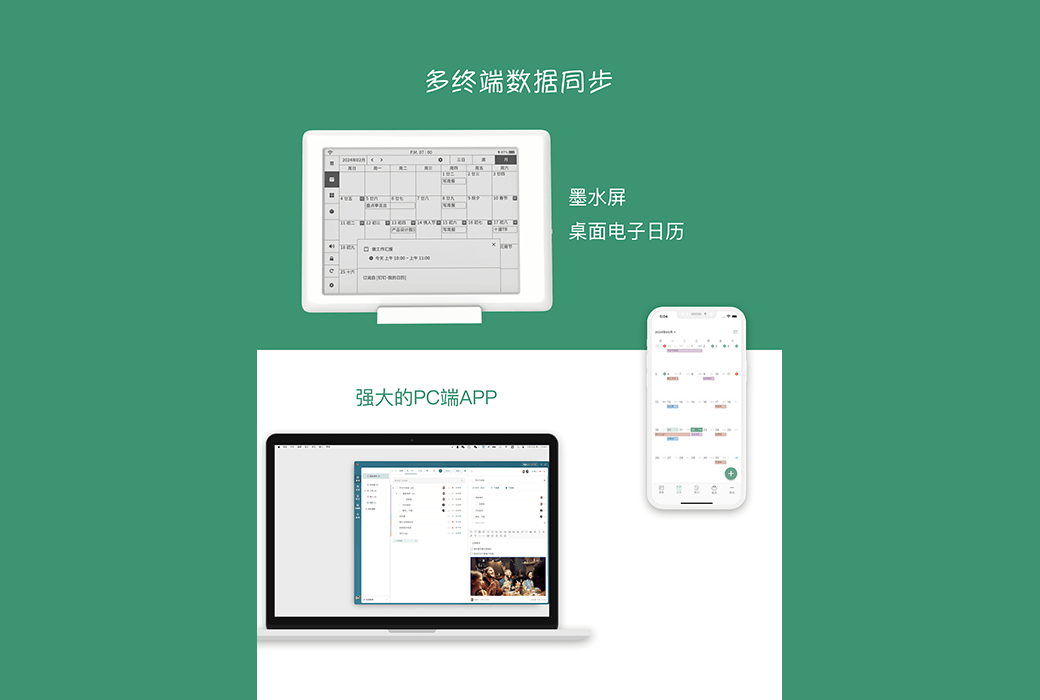
Flashpoint List is a minimalist and comprehensive floating list software that provides flexible task management, multi device synchronization, multi language support, and rich note taking and calendar functions. It aims to help users efficiently plan and organize their daily life and work.
Functional features:
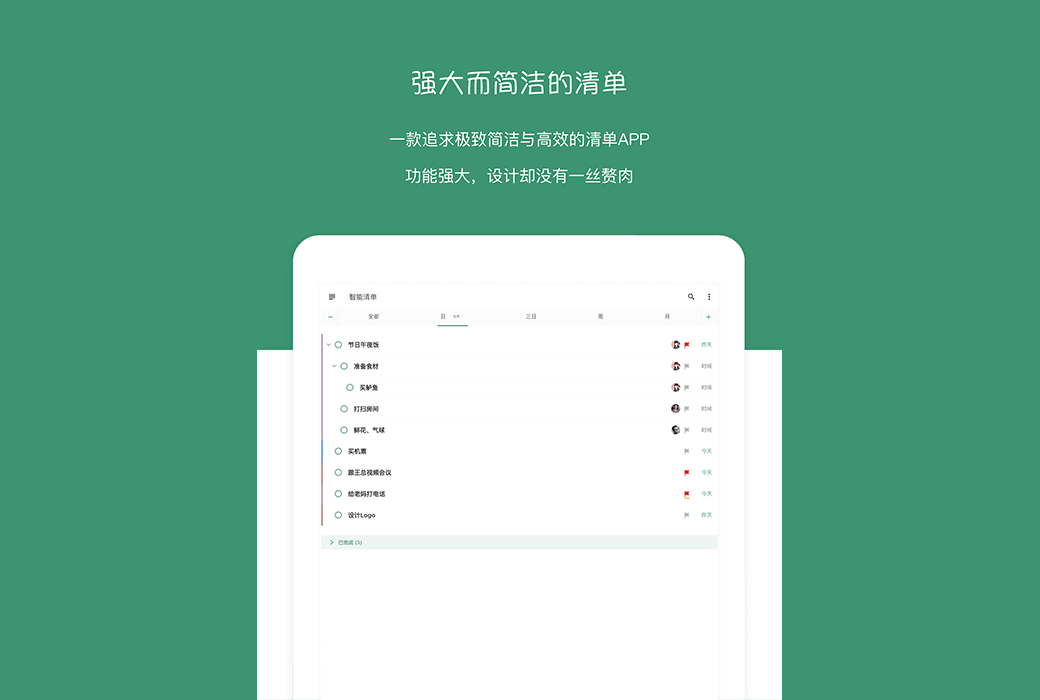
The software interface is simple, but it provides comprehensive inventory management functions.
Provide excellent user experience on both mobile phones and tablets.
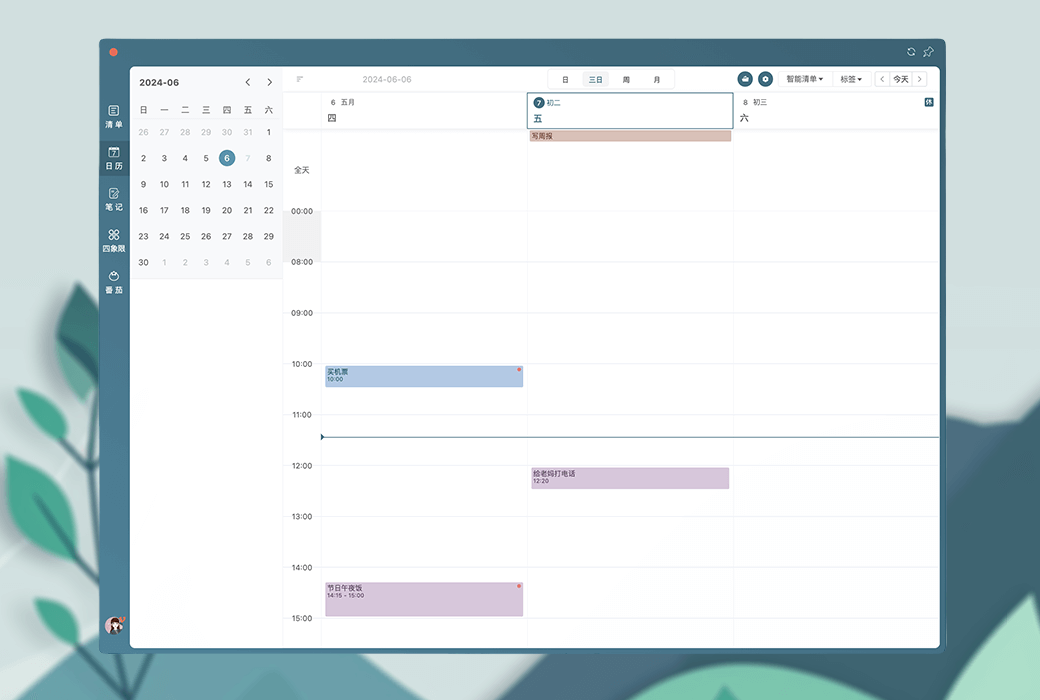
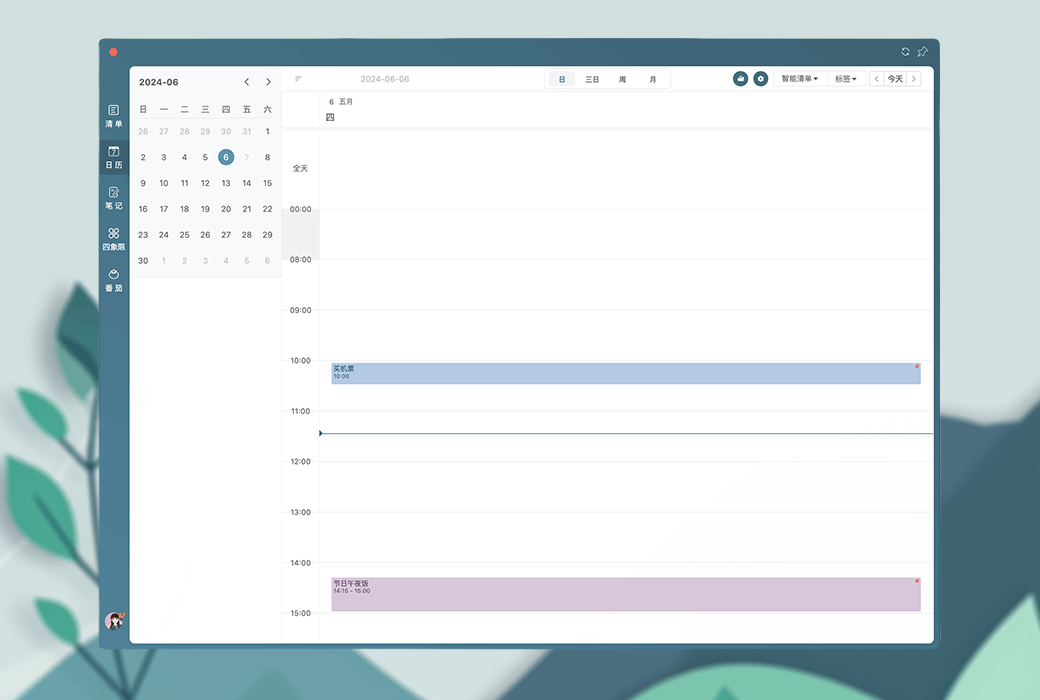
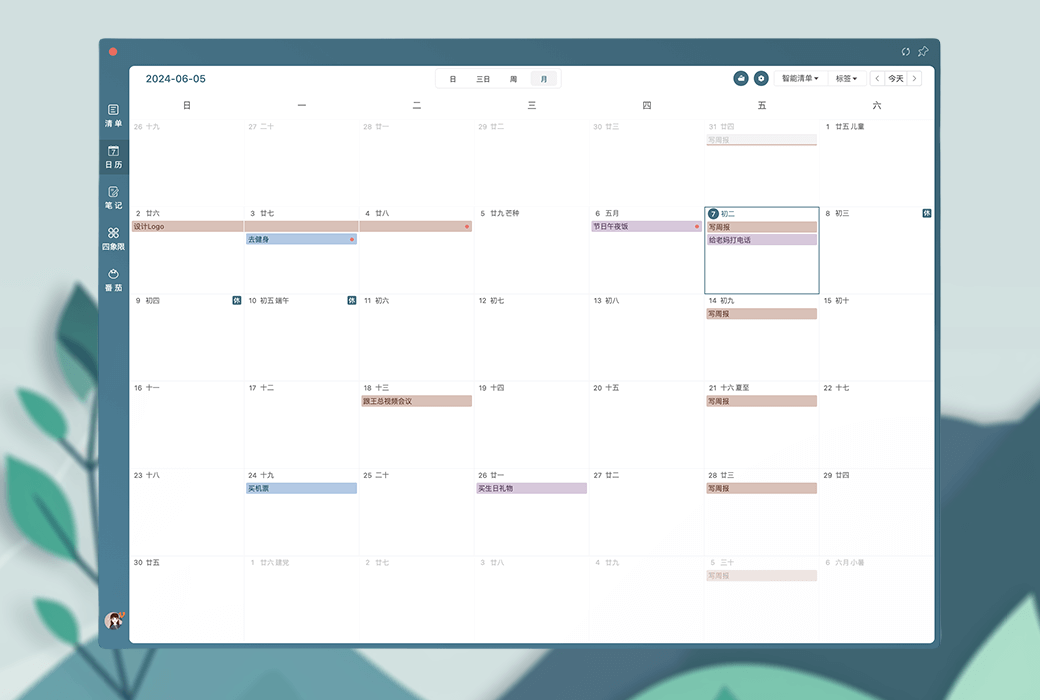
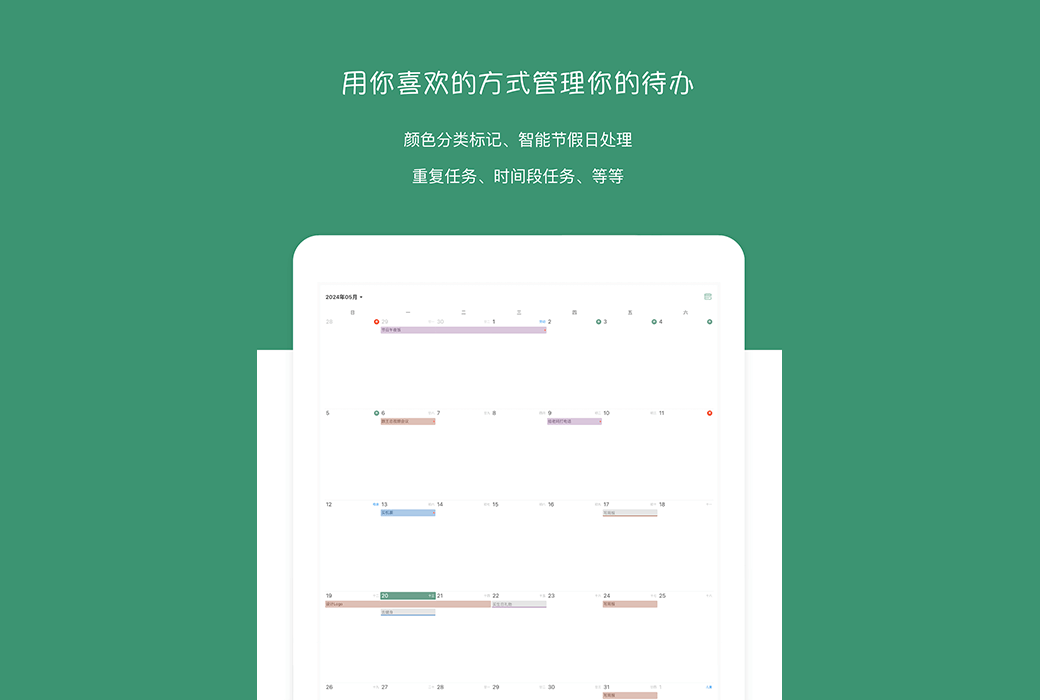
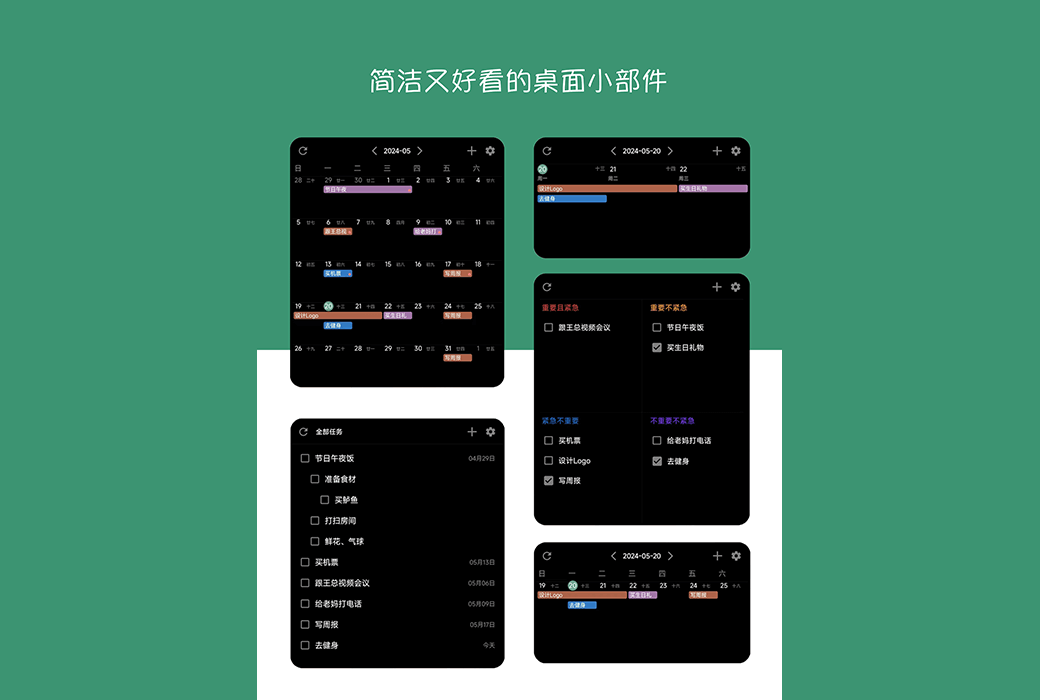
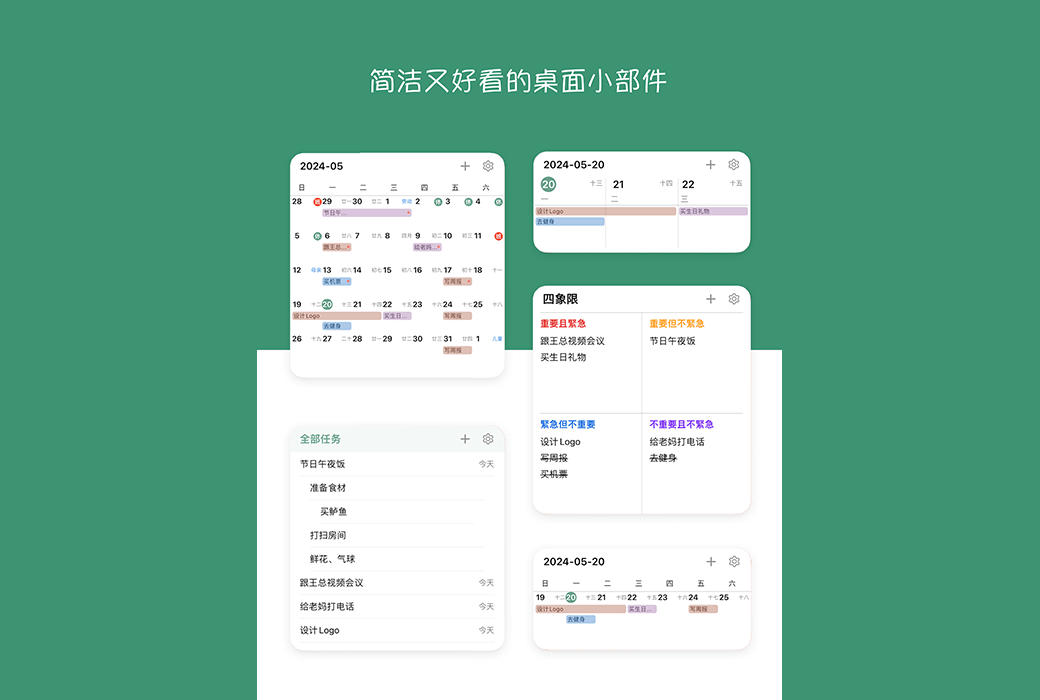
Provide a clear calendar view to help users plan and track their schedules.
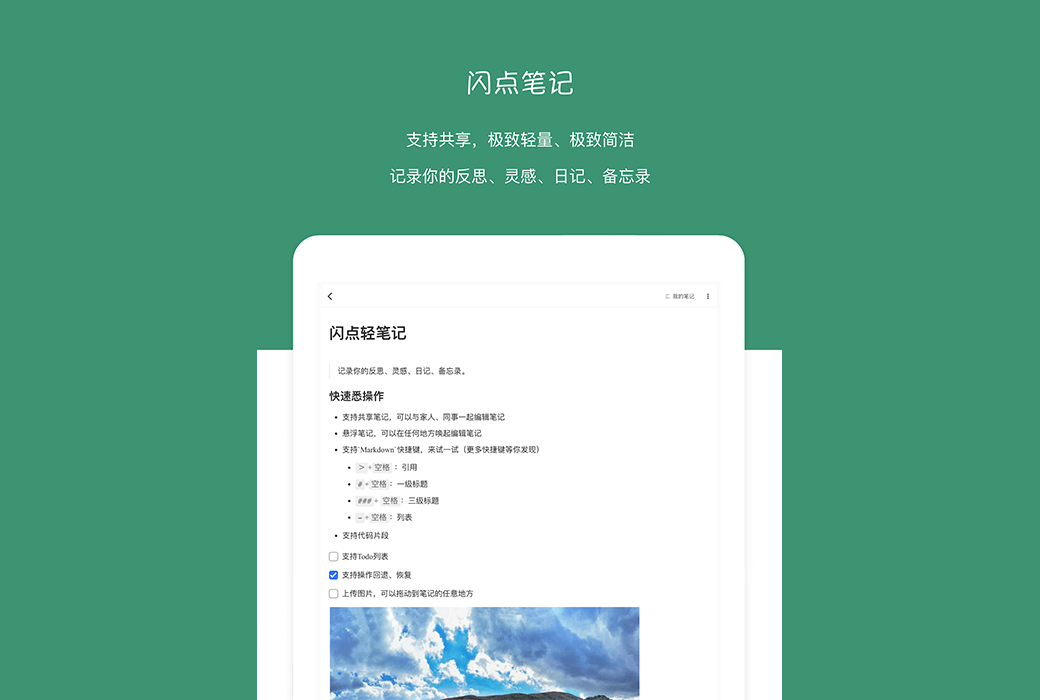
Allow users to record reflections, inspirations, diaries, and memos.
Android supports floating display and can be placed on any software or desktop.
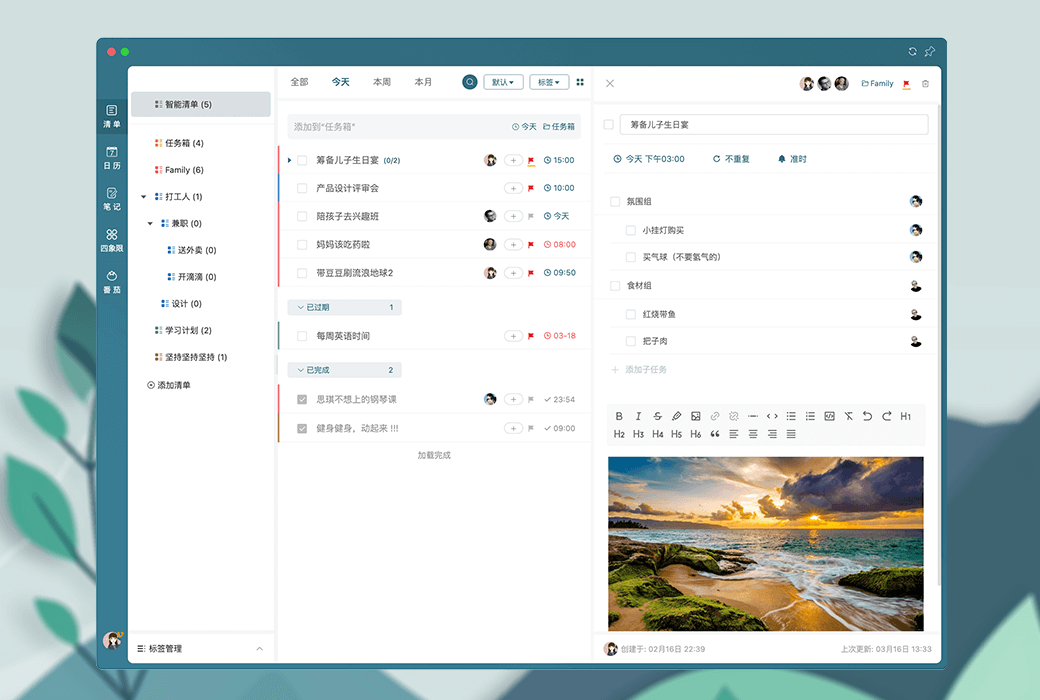
Provide simple and flexible task management, making it easy to handle even complex tasks.
Support lunar calendar, workday, and custom repetition settings to help users develop habits.
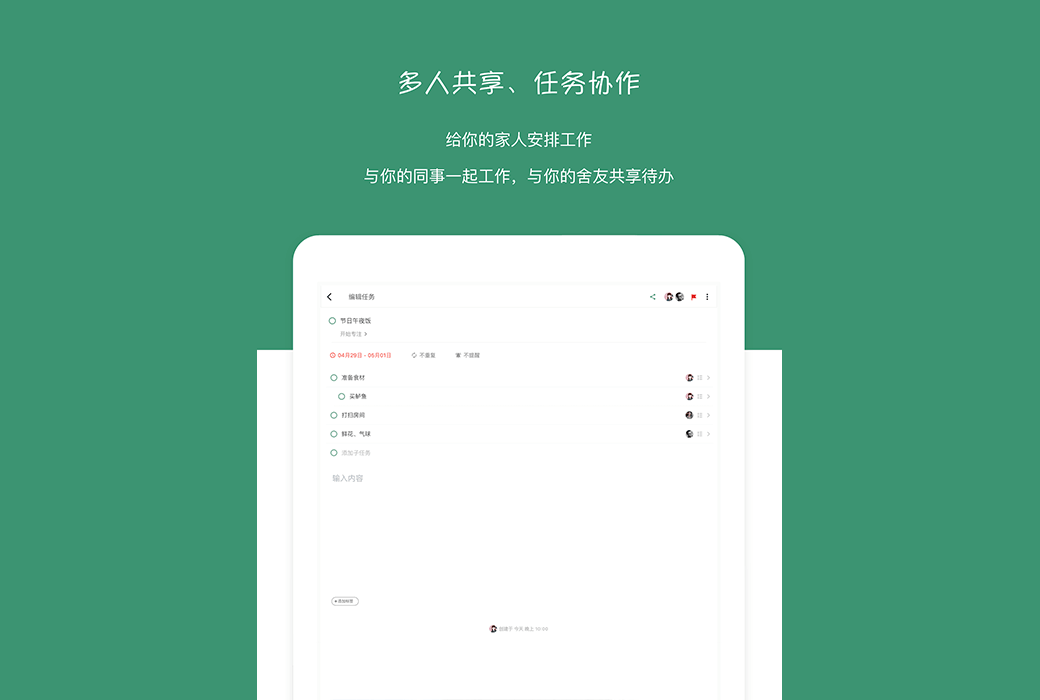
Allow sharing tasks with family and colleagues for easy collaboration.
Provide cloud note taking experience and support rich editing functions.
Provide a monthly view and a timeline view at a 5-minute granularity to facilitate user management of to-do items.
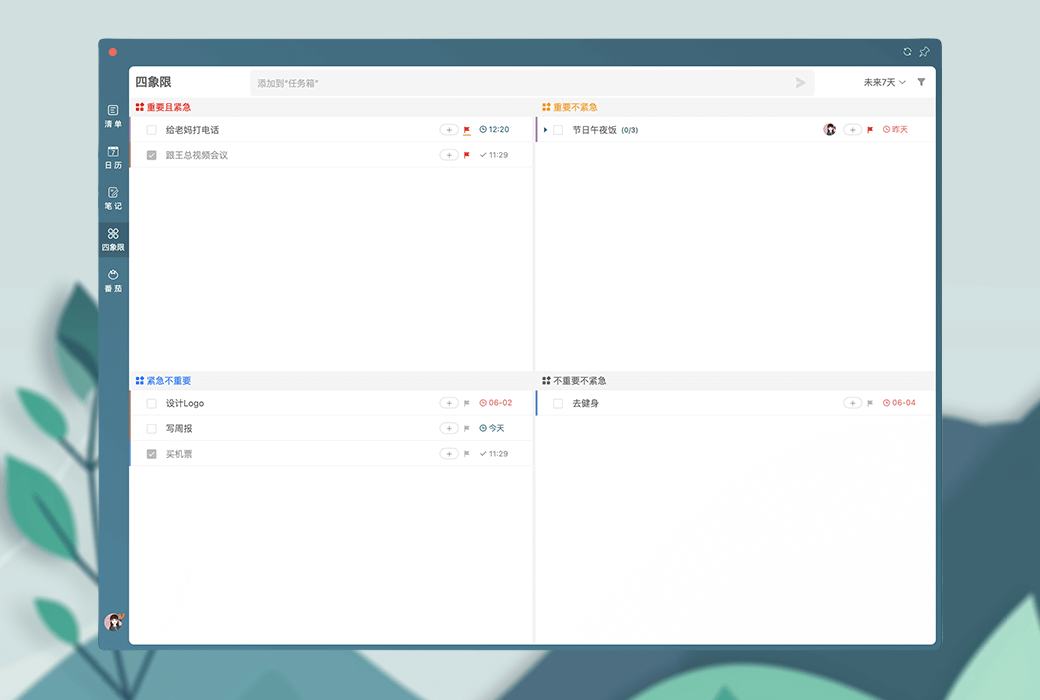
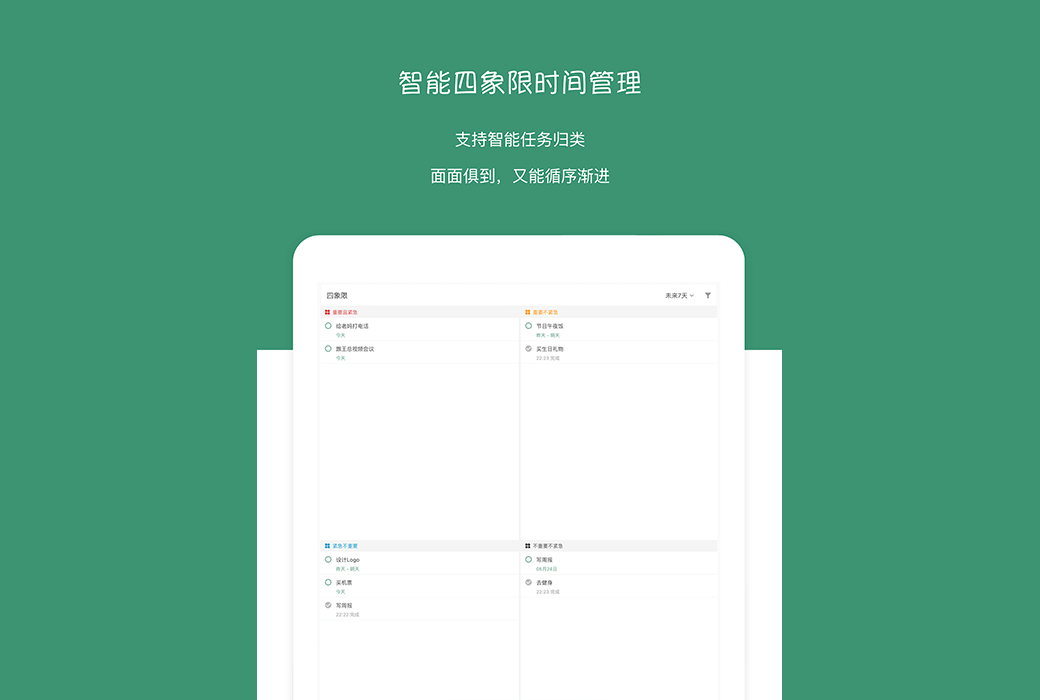
Help users quickly identify the priority of tasks.
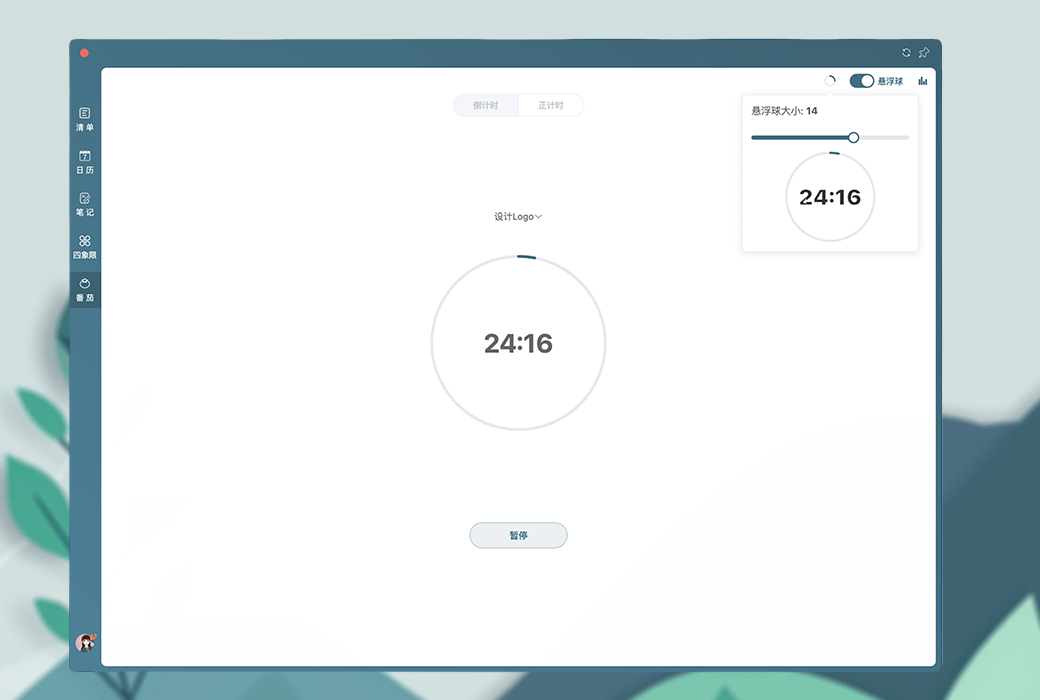
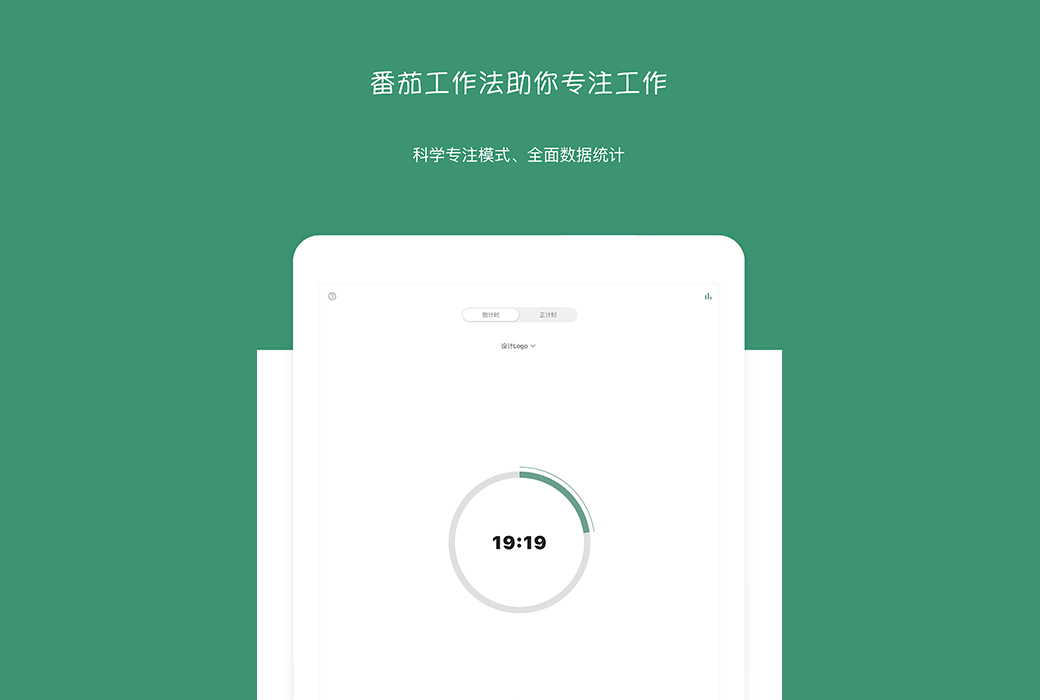
Support the tomato work method to improve work and study efficiency.
Allow nested lists for easy classification and management of complex tasks.
Support data cloud storage to achieve synchronization between multiple devices.
Provides multiple theme color options and multi language support, including English, Traditional Chinese, Simplified Chinese, and Japanese.
Official Website:https://nartick.com
Download Center:https://nartick.apsgo.cn
Alternate Download: N/A
Delivery Time: Automatic delivery within 24 hours
Operating Platforms: Windows, macOS, iOS, Android
Interface Language: Supports Chinese interface display, with options for English, Traditional Chinese, and Japanese.
Update Instructions: Use and update within the subscription period.
Trial Before Purchase: Free trial available before purchase.
How to Receive the Product: After purchase, the activation information will be sent to the email used for ordering. You can also view the corresponding product activation code in your personal center, under "My Orders".
Number of Devices: Unlimited devices.
Changing Computers: Uninstall on the original computer and log in with your account on the new computer to activate.
Activation Guide: Open the "FlashPoint Checklist" mobile app, click "My" - "Redemption Code", and enter the redemption code and corresponding password.
Special Instructions: To be added.
References:https://nartick.com

Any question